Anamorphic double focus is painful but there are ways to deal with it more easily. Here's one of them. Take turns adjusting your lenses until you get rid of all streaking!
USEFUL LINKS:
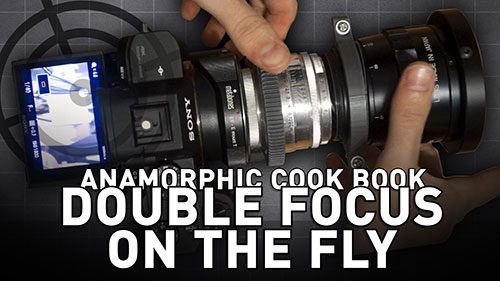
Anamorphic double focus is painful but there are ways to deal with it more easily. Here's one of them. Take turns adjusting your lenses until you get rid of all streaking!
USEFUL LINKS:

I've updated the anamorphic field of view calculator (or the HFOV Calculator if you wanna be precise).
What is this calculator again? This is a webapp that allows you to input various settings from your camera setup and figure out if you'll get vignetting using an anamorphic adapter.
You can pick your focal length, camera crop, focal reducer, anamorphic adapter, single focus solution and sensor aspect ratio. These are all the values that I need to tell if you'll experience vignetting.
This time I coded it from scratch. The new version is much more like what I originally envisioned for it. It works more fluidly and it's much easier to update. I did some fixes to the overall math and added many features.
We also have a checkbox for pancake lenses. These are more tolerant with vignetting. I added another checkbox for Baby Anamorphics and custom rules for their behavior. I also added single focus solutions which influence vignetting. Plus in some cases these can change your field of view according to the focused distance. Lastly, I included a field that allows you to check if you're limiting your maximum aperture based on your anamorphic's rear element size.
The calculator only has two functions. HFOV will tell you what's the Resulting Field of View and Resulting Aspect Ratio based on your setup. I WANT A TAKING LENS will also take into account your setup but do the math in reverse, using the Resulting Field of View and Resulting Aspect Ratio to tell you which taking Lens will give you that result, and what sensor crop is required. Both buttons will always tell you if you'll get vignetting or not.
In the last minute I added a second calculator for diopters. You can input your maximum focus and that will give you a diopter strength, or you can input a diopter strength, and that will work out the focus math. If you put your lens' minimum focus value in, it'll give you the new minimum focus as well. For expert diopter hunters, this will help you figuring out diopters that aren't so clear from manufacturers (like the ones that give you what's the new minimum focus of a given lens, instead of the optical power).
In terms of functionality, every time you input something wrong (mostly characters that aren't numbers), that field will be red and you can't do the math until all red fields have been fixed. I also included a donate button at the bottom, because getting the data to build this took me months, and coding it wasn't easy task either. So, if the calculators are useful for you, you can show it by sending me a little something. Now go break it, and I'll see you next week.
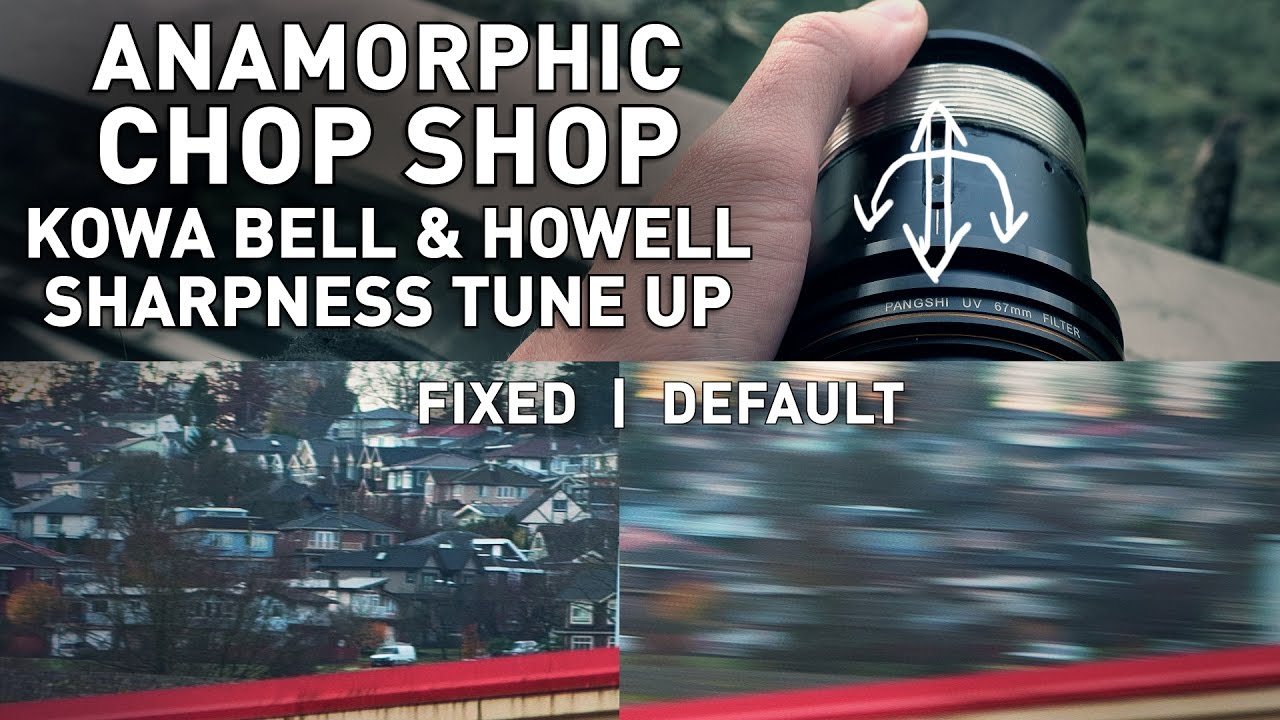
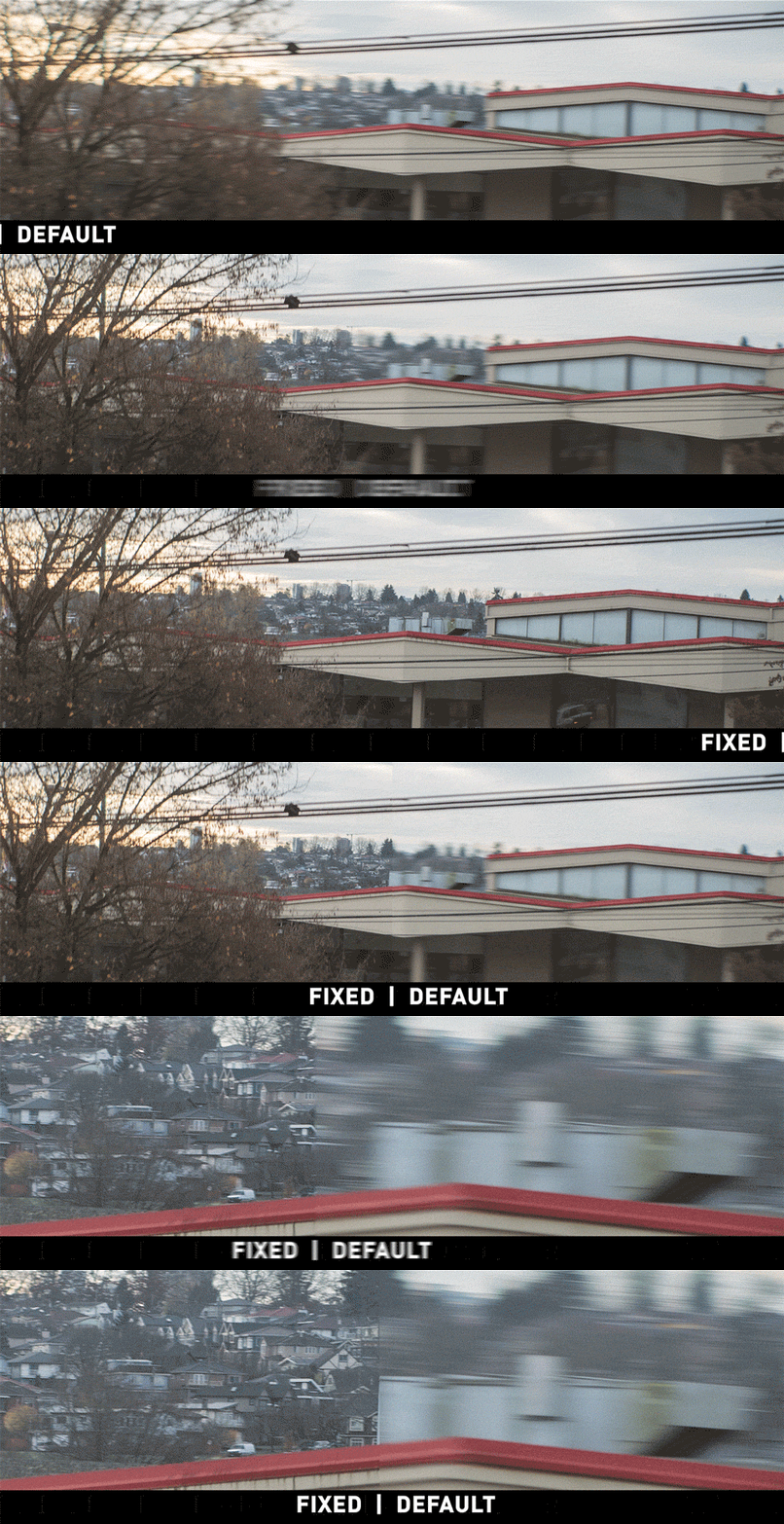
This is a simple anamorphic sharpness tune up that will take your adapter from "ok" to "great" resolving power. With this tweak your lenses can deliver much better image quality!
USEFUL LINKS:
WARNING: It was recently brought to my attention that superglue (cyanoacrylate) CAN damage your glass and camera sensor. I haven't figured out a surefire way to make it work without the superglue, but I also didn't have any problem using a tiny drop. For safety reasons, try the method of just loosening and tightening the screw to find the ideal position. If you MUST use superglue (like I did in one of my lenses), make sure your glass is completely clean and keep the lens in a well ventilated area until fully dry. Also be aware that using superglue will make your scope unserviceable. Other pros can't open it and make it better, so I advise against using glue!
I made a game! Use the arrows to select the options, and W/S keys to move the paddle in single player. P pauses the game and R restarts!
Thanks a lot, Bruno Nicko, for all the advice and help in this endless process of learning to code!
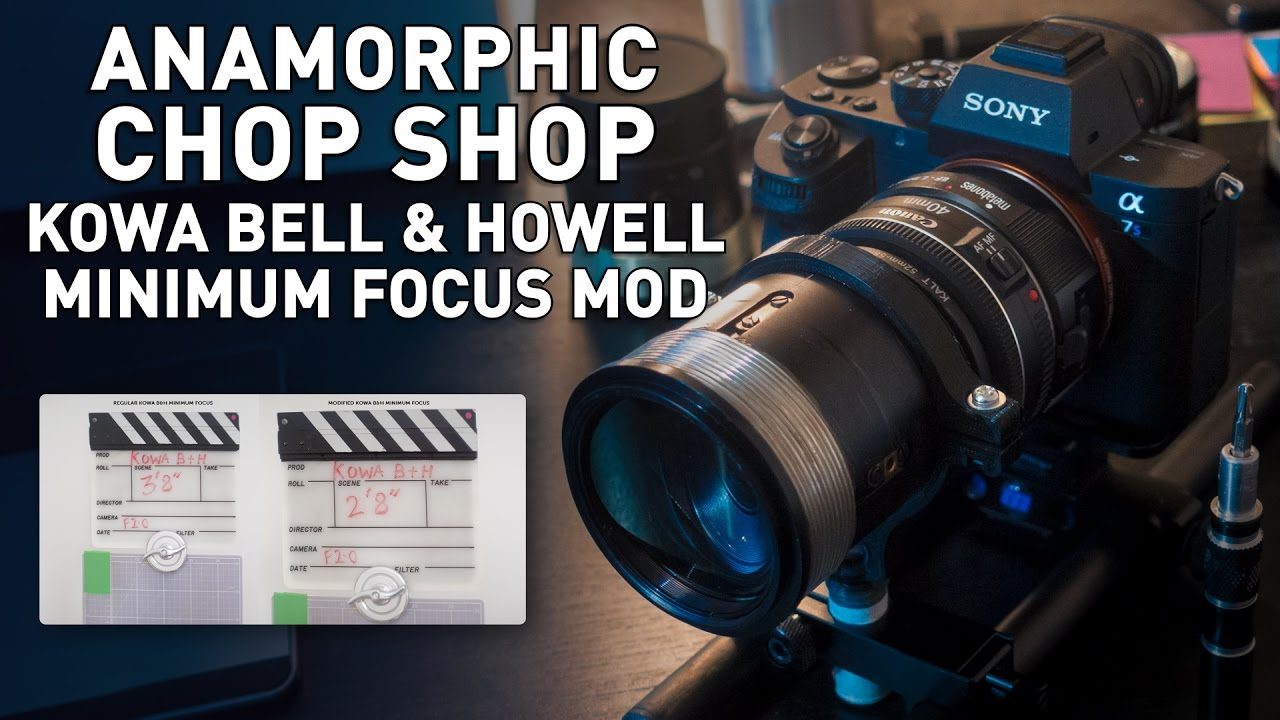
Here's how to mod your Kowa B&H for closer focus natively with your Kowa B&H. I also explain how stretch varies across the focus range. Other vintage projection lenses can also be modified this way.
USEFUL LINKS:
Following the steps of James Price, this episode explains how to dial down the strong veiling glare in many anamorphic adapters. For this example, I'm using the Kowa B&H. The process is cheap, fast and safe. What else could you wish for?
USEFUL LINKS:
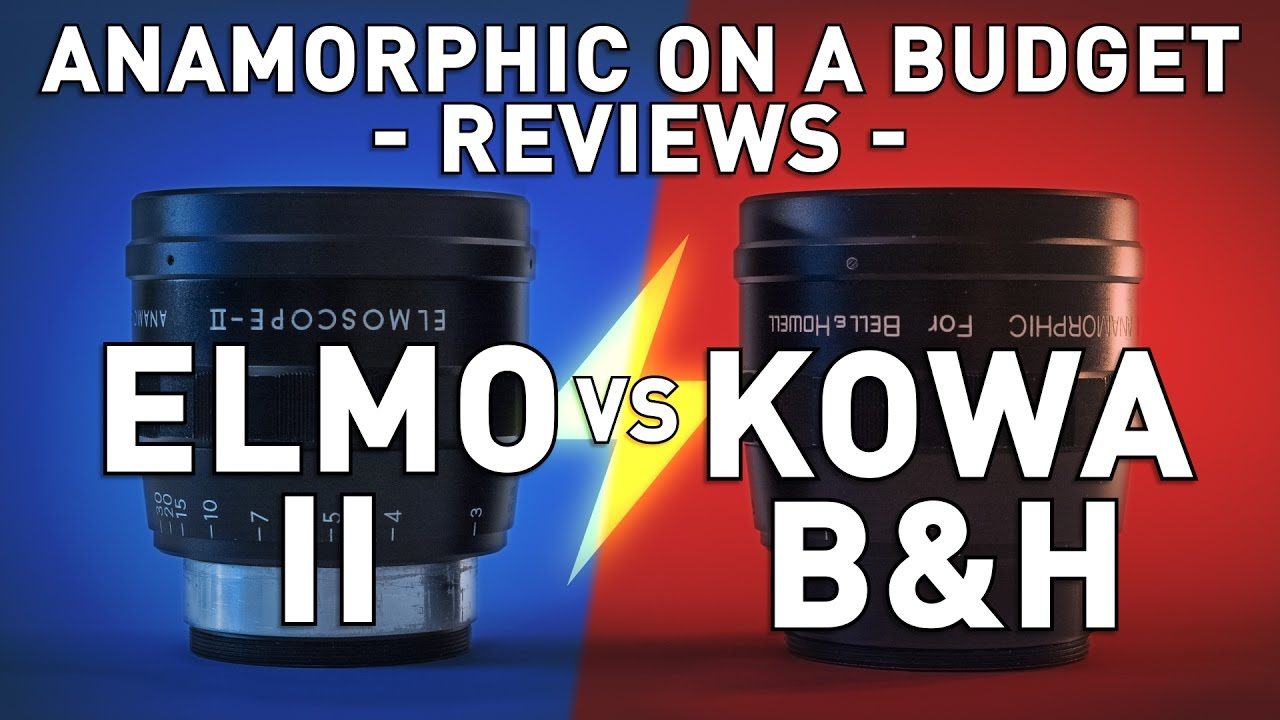
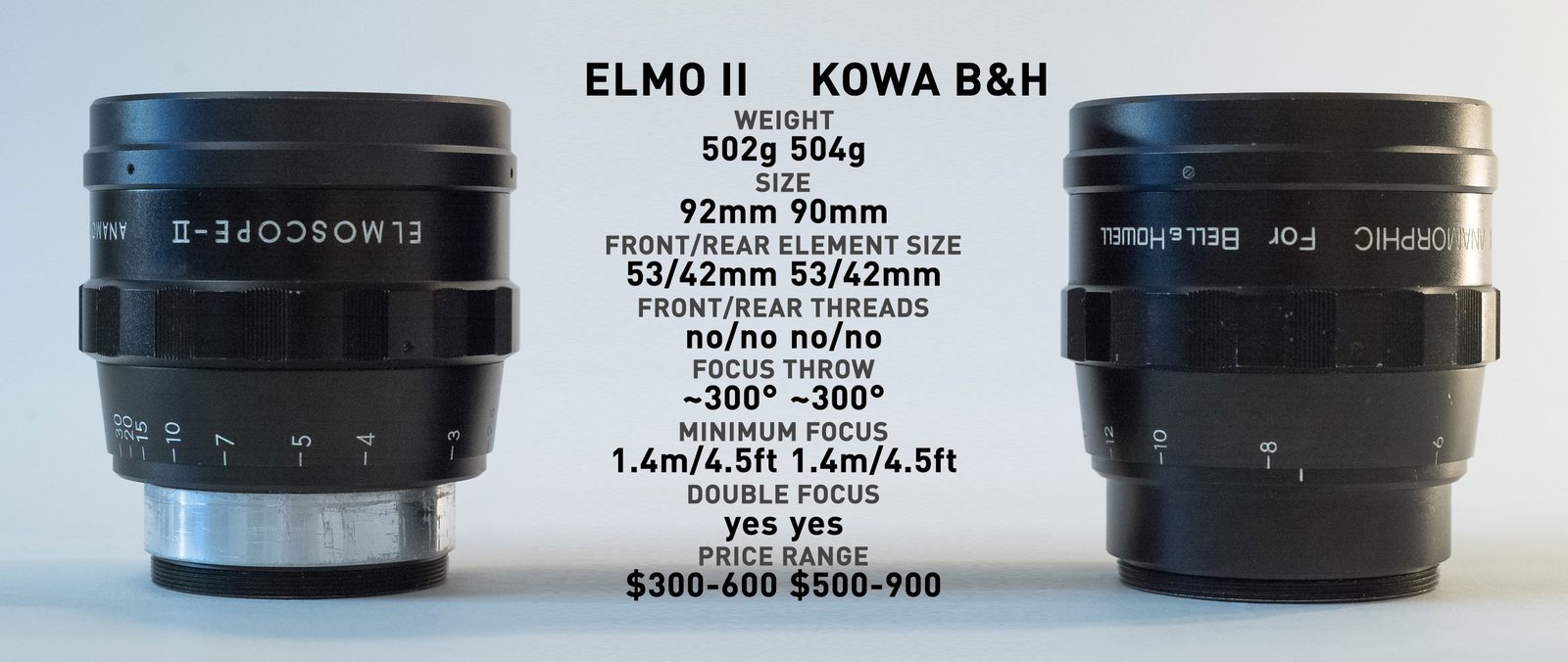
Head to head comparison and double review of the Elmoscope II and Kowa B&H. Can the Elmo II go against the top of the projection lenses?
USEFUL LINKS:
All the RED links on this post are part of eBay's Partner Network, so if you purchase anything through them, you're helping me to keep this project going.